I finally finished and shipped an app of my own: LumaLog: Prompt Library. It started with a simple problem: I had so many beautiful images, but nowhere I really wanted to keep them. As they accumulated, they became a mental burden. Should I delete the old ones or not? Even that bothered me. And the prompts were so long that keeping them in text files was a chore, too.
How I built it
I had never written a Swift app before. The reason is simple: I’m lazy. I know Python, mostly for things like training models. I once spent some time teaching myself Swift syntax, but found it so dry that I stopped. I had never properly explored the underlying models or how multithreading works, either.
But with Codex, a lot of things seemed to change. I discovered that developing an iOS app could be surprisingly easy. I went from GPT 5.6 Sol all the way to GPT 6 Astra, burning through more resets than I can remember. The models can be pretty clueless, though. They seem good at HTML, but I find them much weaker at SwiftUI, with bugs everywhere. Maybe Claude would have been better, but after two of my accounts were banned, I gradually lost patience. Perhaps I’ll need a business trip to Singapore or Japan before I can really put that model through its paces. Haha. 🙂
Anyway, I did eventually ship a version, and I was very happy about it. After using it myself, I can still see plenty of rough edges, but at least it works and meets some of my needs.
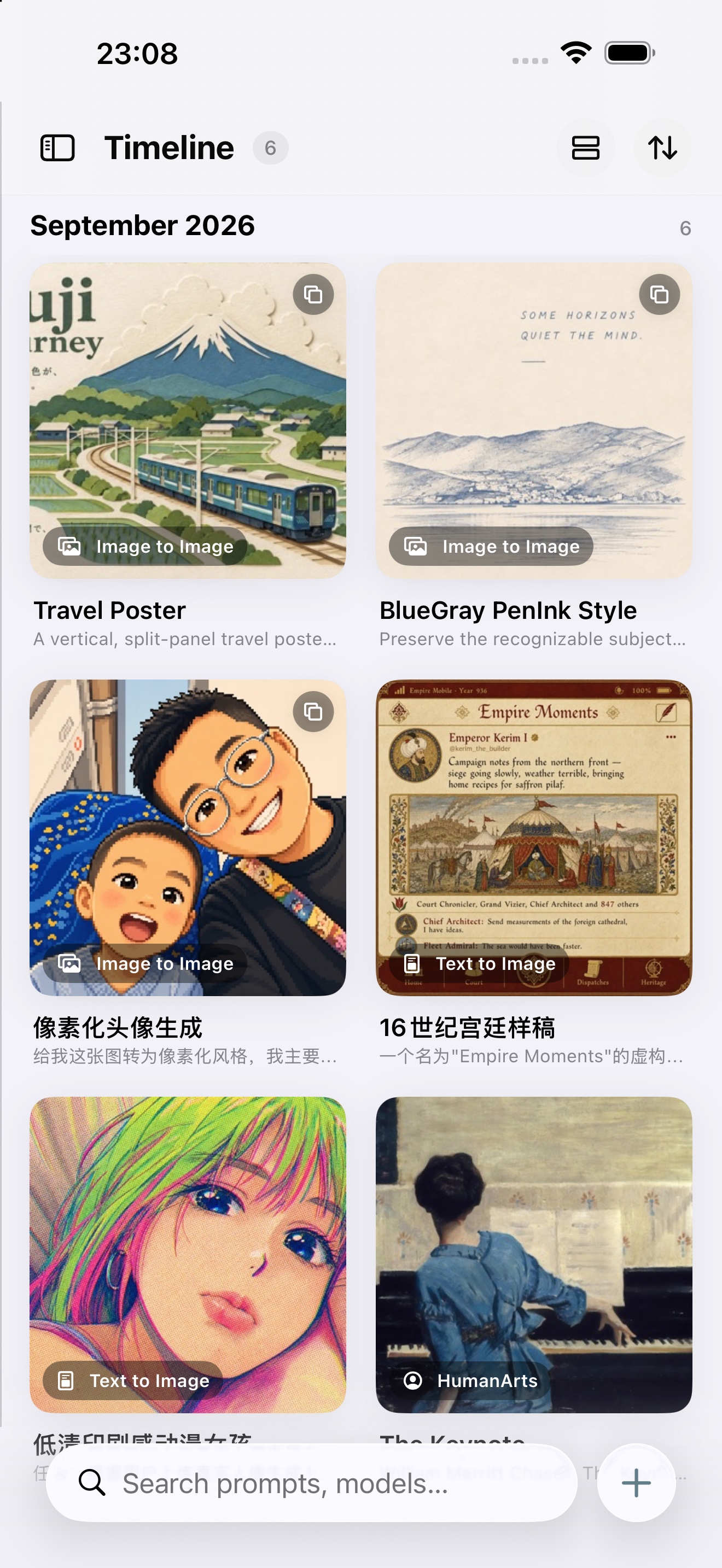
Browse work over time.Keep the work and its creative record together.
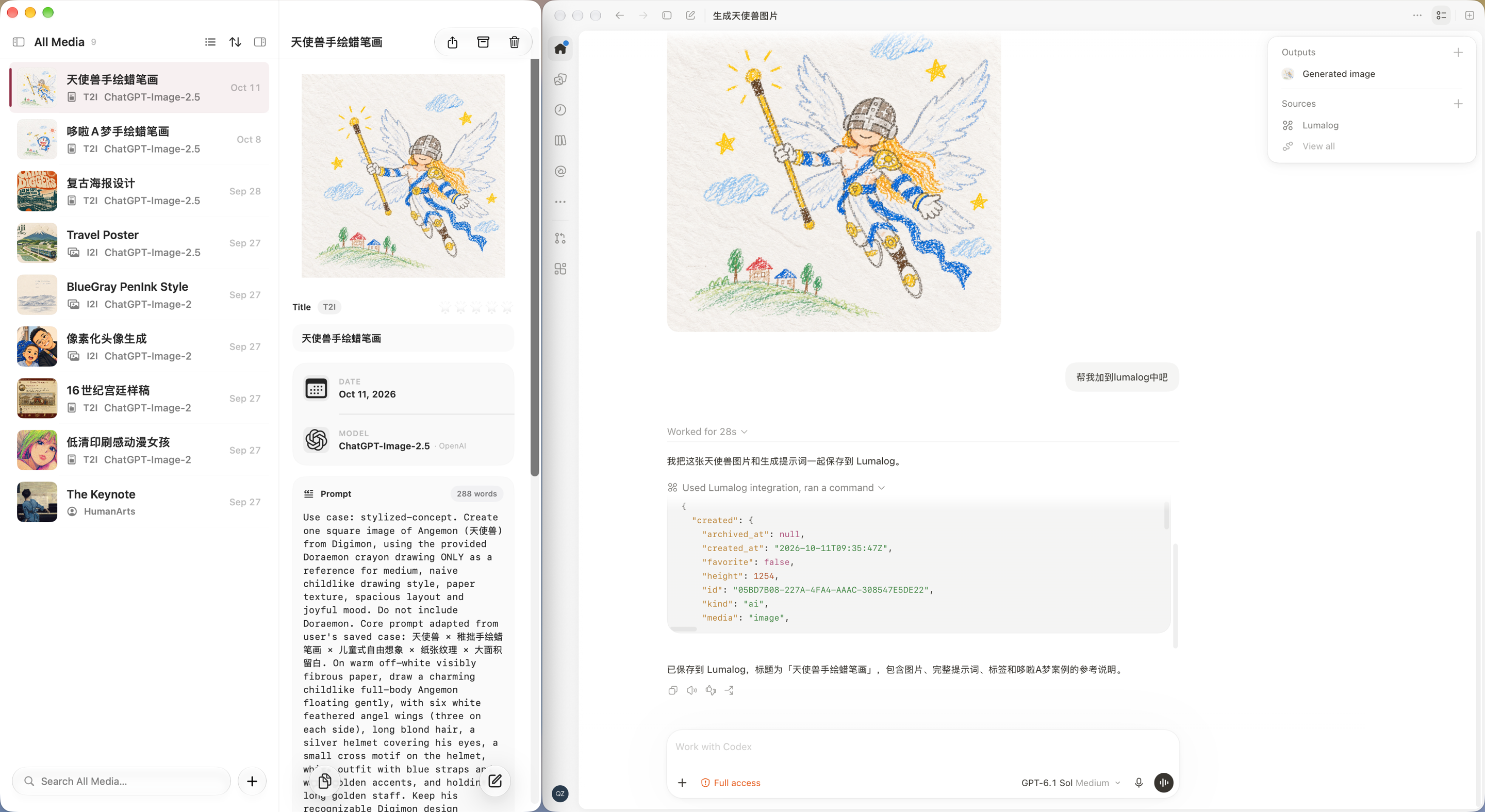
Then came the Mac version, which wasn’t easy either. Somewhere along the way, inspiration struck: MCP and LumaLog felt like a perfect match. But it wasn’t as easy as I had imagined. The UI on Mac was prone to problems, and Codex couldn’t handle it at all. After repeated debugging and validation, I eventually worked through the issues one by one. I discovered that MCP lets me be even lazier. For example, I had a childlike drawing of Doraemon saved in my library. I told Codex, “Use that Doraemon picture as a reference and make an Angemon.” Codex went into my prompt library, found the reference, and generated the image. The result was really good.
Turn a saved reference into another creation.Save the creation and its starting point.
Some people might say, “Why go to all this trouble? Isn’t a folder enough?” But I don’t like folders for this. They don’t let me retrace the creative process, or turn a picture into a little floating wallpaper on my phone that I can enjoy every day. Syncing is a hassle, too, and the whole thing is difficult to manage. LumaLog connects directly to iCloud Drive, so I don’t have to think about where everything is stored. Maybe I’m a little obsessive about keeping my mental space tidy.
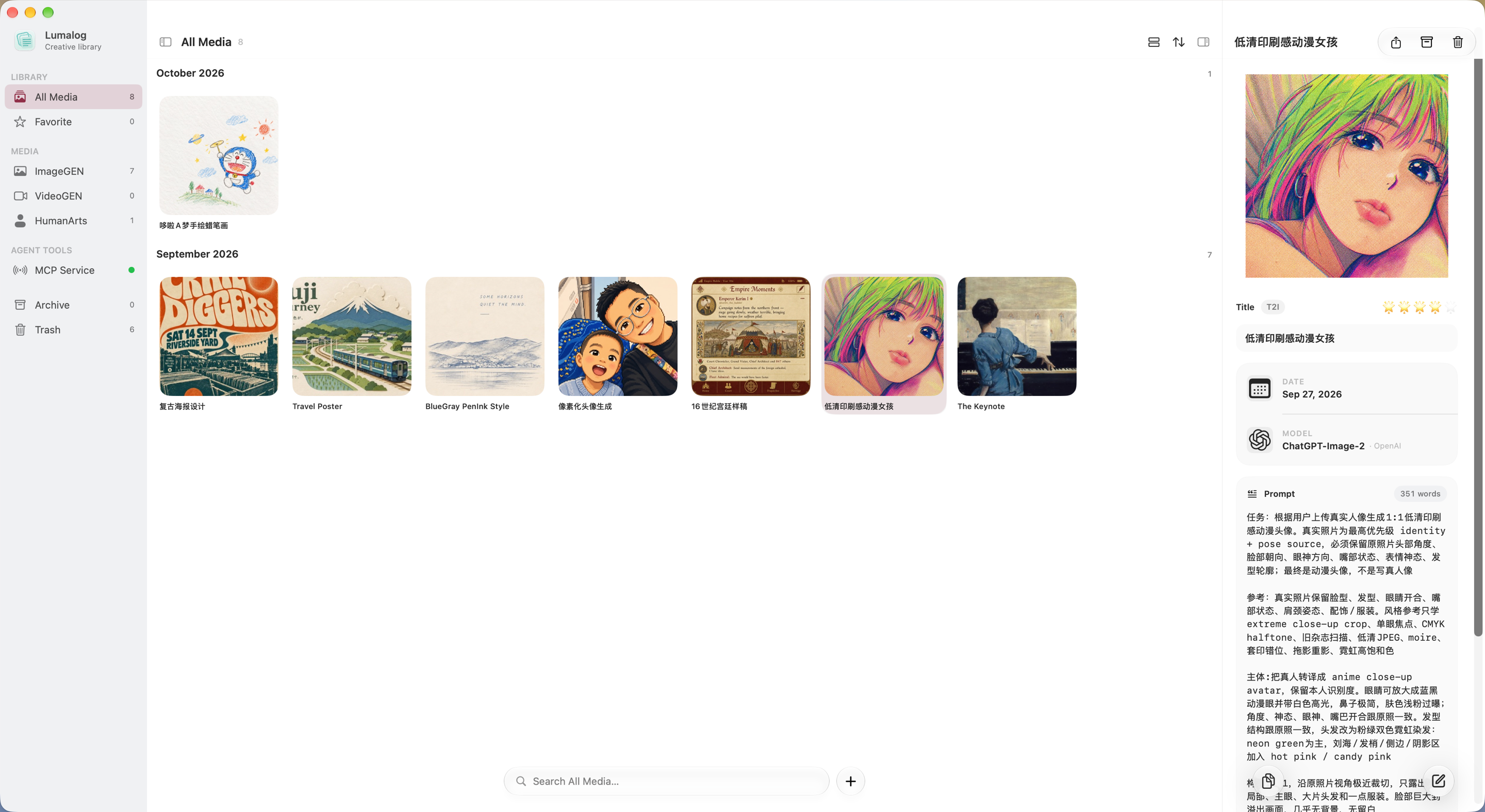
The creative library on Mac.
After launch
Of course, hardly anyone has bought it since launch. Two US dollars is still a fairly high barrier, especially when I have neither much of a reputation nor much ability to promote it. Anyway, like that freelancer on X says: have fun. That’s what matters most.
I’ve also made a few other apps that I really enjoy using myself, and they should be through review soon. I think I might actually prefer this post-AI era: one person has so many possibilities. Of course, my job might not be safe. I might no longer be able to take things at a leisurely pace at a big tech company, and could end up being pushed out. But what happens after that? Perhaps I’ll have more freedom and time of my own, and be able to look at the world—and myself—with a little more calm.
Maybe what I really wanted from this app was to preserve beauty. I’ve been reading Chiang Hsun’s Four Lectures on Aesthetics lately, and something in it seems to resonate with me.